On this page
- What does VinAudit's Plate to VIN API return?
- Required inputs: plate, state, and API access
- Plate lookup or direct VIN entry: which fits?
- Check the VIN before enriching the record
- Separate invalid input, no match, and service failures
- Where downstream vehicle data fits
- Evaluate the complete intake workflow
- Frequently asked questions
TL;DR A plate-to-VIN lookup uses a license plate and issuing state to find a matching VIN. Confirm the vehicle before enrichment, and provide direct VIN entry when a match is unavailable. The result does not verify ownership, identify a private owner, or establish official registration status.
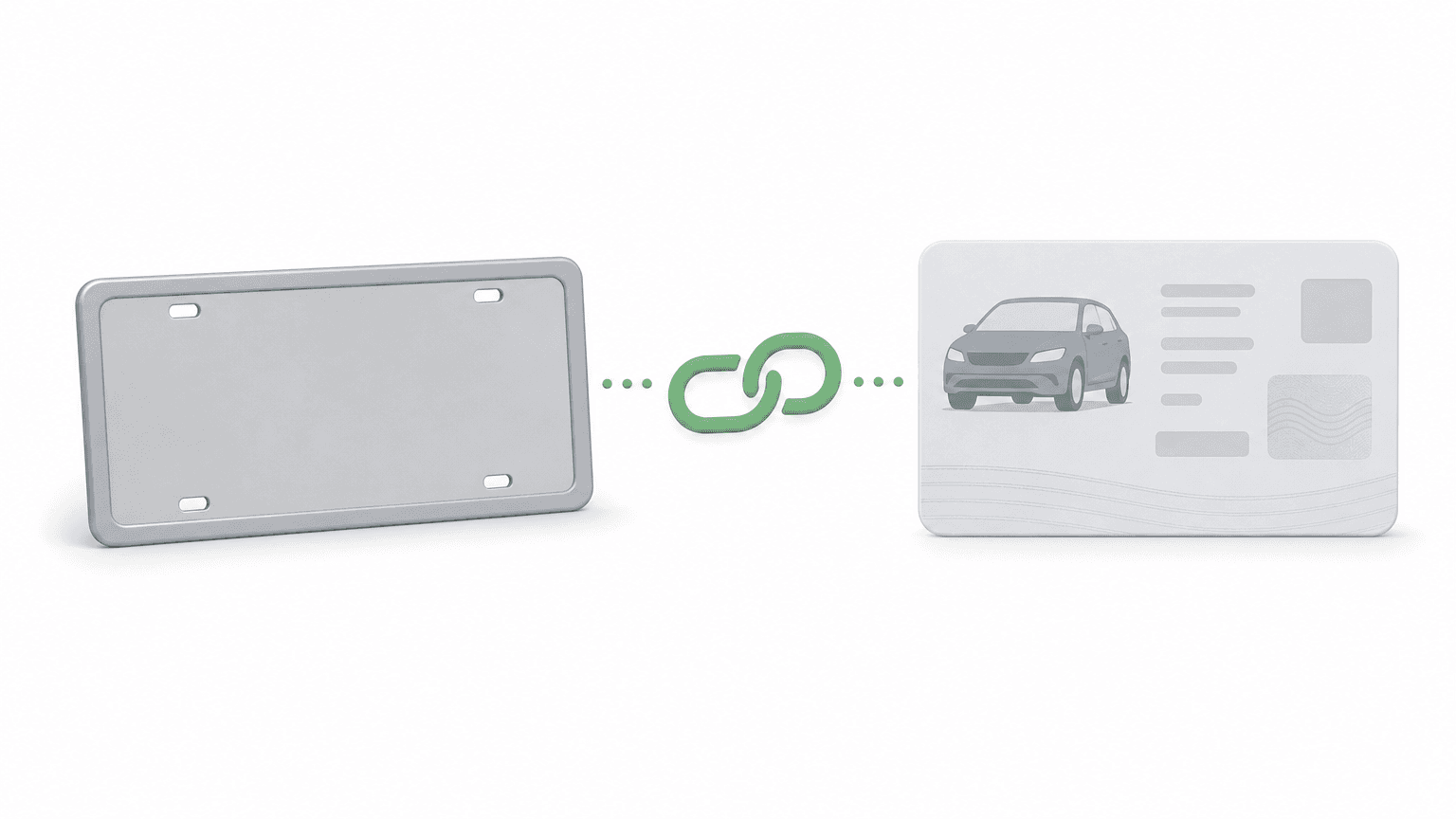
Plate-to-VIN lookup uses a license plate number and its issuing state to find a corresponding vehicle identification number when a matching record is available. For business applications, it is a vehicle-identification step: resolve the VIN, confirm the vehicle, then request any additional data the workflow needs.
A lookup does not prove legal ownership, identify a private owner, or establish an official registration determination. A useful integration makes those boundaries clear and gives users another way to identify their vehicle when a match is unavailable.
What does VinAudit's Plate to VIN API return?
The documented success response contains a success flag and the VIN:
Documentation example—not a fresh lookup result. Source: Plate to VIN documentation.
{
  "success": true,
  "vin": "1C6SRFJT2NN300571"
}
Check the success flag and documented error information before continuing. Keep specifications, history, listing context, and imagery as separate enrichment steps.
Plate lookup services differ in what they return. Some include decoded specifications, while others return only the VIN. Compare the actual response contract rather than assuming every “plate lookup API” delivers the same fields.
Required inputs: plate, state, and API access
Use the following documented inputs for a lookup:
| Parameter | Required? | Meaning / Accepted Values |
|---|---|---|
plate |
Yes | Vehicle’s license plate number |
state |
Yes | Two-letter issuing-state abbreviation |
key |
Yes | VinAudit API key with access to the product |
format |
No | json (default) or xml |
The endpoint is https://plate2vin.vinaudit.com/v1/licenselookup. See the Plate to VIN documentation for the request reference.
Ask for the plate’s issuing state explicitly. License plates are issued by states, and the lookup resolves the plate within the submitted state. The state is part of the identifier, not optional context. A person’s address, the dealership’s location, and the place where a vehicle is currently parked are not substitutes for that input.
Treat entry cleanup as application design, with a few practical rules:
Use a state selector that displays the full state name and submits the expected abbreviation.
Trim accidental whitespace around the entry while retaining the original value for correction.
Make any uppercase conversion visible and consistent. Avoid silently deleting characters unless the provider’s accepted-input rules justify it.
Ask the user to confirm ambiguous characters rather than automatically swapping letters and numbers.
Encode query parameters through the application’s request library and keep credentials on the server.
Do not borrow another provider’s validation pattern. VinAudit documents invalid_plate for entries longer than 10 characters; that is not a complete statement of every valid state plate pattern.
If a separate camera or OCR tool supplies the entry, let the user confirm the recognized plate and state. Reading characters from a photograph and resolving those characters to a VIN are different steps.
Plate lookup or direct VIN entry: which fits?
Choose the entry method around the information already available. Plate lookup is useful when a person knows the plate and state but does not have the VIN ready. Direct VIN entry is useful when the identifier is already available from the vehicle or an existing record.
| Starting Situation | Suggested Entry Path | Confirmation Before Continuing |
|---|---|---|
| Customer knows plate and issuing state | Offer plate-to-VIN lookup | Review the resolved vehicle |
| Staff already has the VIN | Enter or scan the VIN directly | Check the captured identifier |
| Plate or state is uncertain | Request correction or use direct VIN entry | Avoid guessing the jurisdiction |
| Lookup returns no match | Offer VIN entry and a review route | Preserve the incomplete intake |
| Returned vehicle conflicts with the supplied details | Pause automated enrichment | Resolve the discrepancy first |
These are workflow recommendations, not claims about match rates or time savings. Keep both entry paths available when the application can support them.
Check the VIN before enriching the record
A returned VIN should lead to a vehicle-confirmation step. Check that the application received the expected field and a usable identifier before making further requests.
For vehicles using the modern standardized VIN system, validate the expected 17-character structure. Keep an exception route for older or nonstandard identifiers rather than changing them to fit the rule. NHTSA describes the VIN as a 17-character identifier that encodes information about the vehicle, and its public decoder displays manufacturer-reported data.
Then compare available decoded details—such as year, make, and model—with what the user or staff member expects. A format check can catch malformed input. A successful decode can provide vehicle attributes. Neither step independently proves that the returned VIN belongs to the physical vehicle being presented.
For example, an intake form could show a vehicle summary and ask the user to confirm it before attaching it to an application. If the summary conflicts with the vehicle, request the VIN directly or route the record for review.
Separate invalid input, no match, and service failures
Not every unsuccessful lookup needs the same response. Keep the provider’s error category separate from the message shown to the user.
The table separates documented error meanings from recommended application actions.
| Documented Error Codes | Documented Meaning | Recommended Application Action |
|---|---|---|
missing_plate; missing_state; invalid_plate; invalid_state; failed_request |
Missing or invalid input, missing required parameter, or unsupported response format. | Correct the relevant input or request configuration; do not guess plate characters or state. |
no_data |
No VIN found for the submitted plate and state. | Recheck the pair, then offer direct VIN entry or review. Do not infer registration status. |
unauthorized_request |
Invalid API key or account without Plate to VIN access. | Notify the operator to check credentials and product access. |
billing_limit_exceeded |
Billing limit reached or insufficient prepaid balance. | Resolve the account issue; do not repeatedly resubmit the customer’s plate. |
rate_limit_exceeded |
Allowed request or usage limit reached; documentation advises retrying later. | Use bounded retries with increasing delays and keep a fallback available. |
upstream_error; internal_error |
Upstream timeout/no response or unexpected server error; documentation advises retrying later or contacting support. | Use bounded retries; preserve incomplete intake and escalate persistent failures. |
Source: Plate to VIN documentation. Recovery actions are application guidance, not additional API behavior.
For an unexpected or unreadable response, preserve the incomplete workflow and record enough diagnostic context to investigate without exposing credentials.
Avoid repeated automatic requests for an unchanged no-match input. A retry policy for a temporary failure should not become a loop that blocks the user from completing intake another way.
Where downstream vehicle data fits
Use the resolved VIN to request the information required for the next decision, with separate access and error handling for each product:
VIN Decoder API: add available specifications and standardized vehicle attributes.
Vehicle History API: request available historical records for a separate review.
Market Listings API: look for relevant listing context where available. A missing or disappeared listing does not establish a sale.
Vehicle Images API: add representative vehicle imagery, with suitable labeling. A standardized image does not document condition.
Keep the identification result separate from these enrichment results in the application. If imagery is unavailable, that should not automatically invalidate a confirmed VIN. If a history request fails, distinguish an unavailable report from a report with no relevant records.
Evaluate the complete intake workflow
Assess the service against a representative set of vehicles and states from your own operation. Include successful lookups, corrected entries, no matches, mismatched vehicle summaries, and temporary failures. Use these tests to evaluate suitability; do not generalize the results into a nationwide accuracy claim.
Decide in advance what constitutes a usable outcome: a VIN that passes the application’s checks, a vehicle the user confirms, and a fallback that preserves progress when resolution fails. Record where people abandon or correct the flow so the team can distinguish entry problems from service failures.
VinAudit’s Plate to VIN API includes a built-in mock mode that returns simulated lookup responses for integration testing. Keep simulated results separate from live evaluation, and judge real-world fit with live requests on your own sample of plates and states.
Frequently asked questions
Can I find a VIN using only a license plate?
For VinAudit’s U.S. lookup, the issuing state is also required. Ask the user for that state rather than inferring it from their location.
For which workflow is plate-to-VIN suited to?
Workflows where people know a plate more readily than a VIN: customer or borrower vehicle onboarding, dealer inventory and service intake, insurance quote or policy setup, CRM record enrichment, and marketplace listing creation. In each, the returned VIN starts a confirmation step before decoding, history, or other enrichment.
Does nationwide coverage guarantee a result?
No. Plan for an unavailable match and provide direct VIN entry. Coverage and the outcome of a particular request are different considerations.
Does a no-match result mean the plate is invalid?
No. A no-match result describes the lookup outcome. It does not establish legal registration status or explain why a match is unavailable.
Does finding the VIN verify the owner?
No. Treat plate-to-VIN as vehicle identification. Ownership, identity, and official registration decisions require their own appropriate processes.
What should happen after a match?
Validate the returned identifier, confirm the vehicle, and request only the downstream data needed. Keep a correction route available if the details conflict.
Review the Plate to VIN API and its documentation to evaluate the lookup alongside your intake and fallback requirements.